Introduction
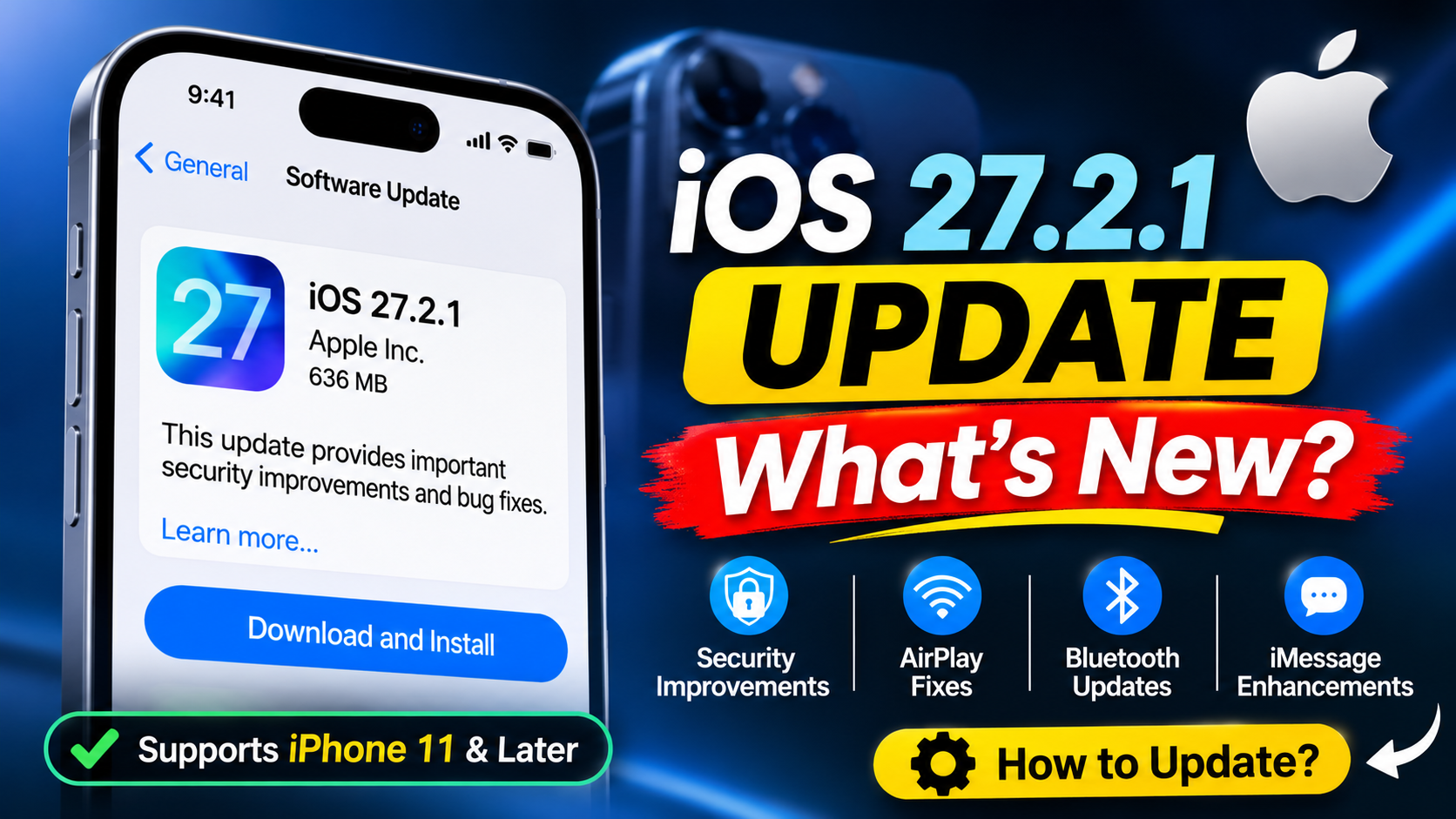
Apple has released a new software update, iOS 27.2.1, for supported iPhone models. The latest update focuses mainly on improving device security and fixing vulnerabilities that could affect users’ privacy and data.
Released on November 9, 2026, this update is important for iPhone users who want to keep their devices secure and up to date.
According to Apple’s official security documentation, iOS 27.2.1 is available for iPhone 11 and later models.
What’s New in iOS 27.2.1?
Unlike major iOS releases that introduce significant design changes and new features, this update primarily focuses on security improvements.
Here are some of the important fixes included in the update.
1. AirPlay Security Improvements
Apple has fixed a security issue in AirPlay that could allow an attacker within Bluetooth range to bypass restrictions on pairing code attempts.
This improvement helps make wireless connections more secure.
2. Bluetooth Security Fixes
The update addresses a Bluetooth vulnerability that could potentially allow an attacker within Bluetooth range to corrupt process memory.
Apple has improved memory management to resolve this issue.
3. App Intents Privacy Improvements
A security issue in App Intents could allow an application to access sensitive user information without proper authorization.
Apple has addressed this problem with improved security checks.
4. iMessage Security Improvements
Apple has fixed vulnerabilities related to iMessage group conversations.
Previously, certain security weaknesses could allow an unauthorized person to join a group conversation or access messages sent before they joined.
5. Additional System Security Fixes
The update also includes security improvements to several system components, including:
- CoreUtils
- Bluetooth
- Brotli
- AirPlay
- Messages
- Web-related system components
These changes help protect iPhones against potential security threats.
Which iPhones Support iOS 27.2.1?
Apple’s official documentation lists the following supported iPhone generation:
- iPhone 11 Series
- iPhone 12 Series
- iPhone 13 Series
- iPhone 14 Series
- iPhone 15 Series
- iPhone 16 Series
- iPhone 17 Series
- iPhone Air and other supported newer models
Note: iPhone XS, XS Max and XR do not support iOS 27. Check Apple’s official software update information to find out whether your older device has a separate security update available.
How to Download and Install iOS 27.2.1
Updating your iPhone is simple. Follow these steps to check for the latest software.
- Open Settings on your iPhone.
- Select General.
- Tap Software Update.
- Wait while your iPhone checks for available updates.
- If iOS 27.2.1 appears, tap Download and Install.
- Follow the on-screen instructions to complete the installation.
Things to Do Before Updating
Before installing the latest iOS update, consider these precautions:
- Back up your important data using iCloud or a computer.
- Connect your iPhone to a stable Wi-Fi network.
- Make sure you have enough free storage.
- Keep your battery sufficiently charged or connect your charger.
- Avoid interrupting the installation process.
Is It Worth Updating to iOS 27.2.1?
Yes. If your iPhone supports this update, installing it is recommended.
The main reason is security. Software vulnerabilities can put personal information, applications and device functionality at risk.
Regular updates help protect your iPhone against known security threats.
Although this update does not focus on major visual changes, its security improvements make it important for everyday iPhone users.
iOS 27.2.1 Update for iPhone Users in Nepal
iPhone users in Nepal can also receive Apple’s official software updates.
However, update availability may depend on the iPhone model and software configuration.
If you cannot see the latest update, try the following:
- Check your internet connection.
- Make sure your iPhone has enough storage.
- Restart your device.
- Check Software Update again after some time.
You do not need to visit an Apple service centre just to install a regular software update.
Frequently Asked Questions (FAQs)
1. What is the latest iOS version in November 2026?
As of November 22, 2026, Apple’s official security releases page lists iOS 27.2.1 as the latest iOS version.
2. Is iOS 27.2.1 available for all iPhones?
No. iOS 27.2.1 supports iPhone 11 and newer supported models. Older iPhones may receive separate security updates depending on Apple’s support policy.
3. Will updating iOS delete my photos and videos?
Normally, installing an iOS update does not delete your photos, videos or personal files. However, it is always recommended to back up your iPhone before updating.
Conclusion
The iOS 27.2.1 Latest Update is an important release for iPhone users. Apple has introduced several security improvements covering AirPlay, Bluetooth, App Intents, iMessage and other system components.
If your iPhone supports this version, consider installing it after backing up your important data.
Apple continues to improve the security and reliability of its devices through regular software updates.
Which iPhone are you currently using? Have you installed iOS 27.2.1? Share your experience in the comments below. Don’t forget to share this article with other iPhone users and subscribe to our website for the latest technology news.