Introduction
PHP powers millions of websites around the world, including many WordPress websites. But what happens when a security flaw affects PHP itself?
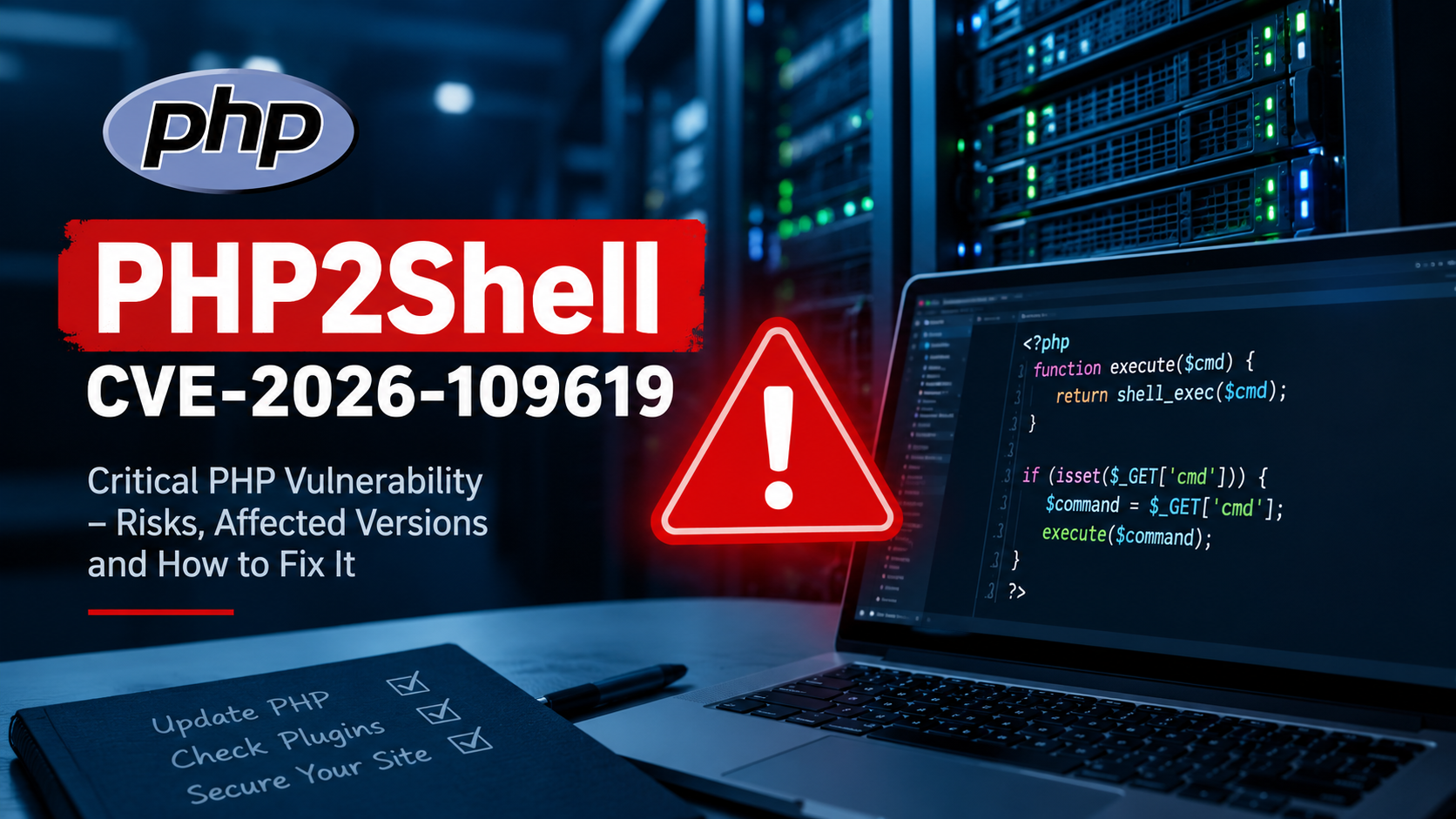
In October 2026, security researchers disclosed a critical vulnerability known as PHP2Shell CVE-2026-109619. This vulnerability could allow attackers to execute malicious code on affected servers without logging in. Security advisories rate it 9.2 out of 10 (Critical). Official security information.
For website owners, bloggers, developers, and hosting providers in Nepal, this issue deserves immediate attention. A vulnerable PHP installation could put website files, databases, and sensitive information at risk.
Let’s understand what PHP2Shell is, which PHP versions are affected, and how you can protect your website.
What Is PHP2Shell CVE-2026-109619?
PHP2Shell is the name commonly used for two critical PHP security vulnerabilities: CVE-2026-109618 and CVE-2026-109619.
The second vulnerability, PHP2Shell CVE-2026-109619, involves a memory-management problem called a use-after-free vulnerability.
In simple terms, PHP may continue referring to a section of memory even after that memory has been released. Under certain conditions, a later request handled by the same worker may interact with this outdated internal state.
An attacker may exploit this flaw to execute unauthorized code on a vulnerable server.
The vulnerability is particularly concerning because successful exploitation does not necessarily require an attacker to have a website account. However, exploitation depends on the affected PHP environment and specific technical conditions.
Why Is the PHP2Shell Vulnerability Dangerous?
A successful attack could have serious consequences for website owners and businesses.
Key risks include:
- Remote code execution: An attacker could execute unauthorized commands on an affected server.
- Sensitive information exposure: Private data or information stored in server memory could be at risk.
- Website compromise: Attackers could potentially modify files or install malicious scripts.
- Database security risks: Data accessible to the compromised application could be exposed or altered.
- Service disruption: Malicious activity could affect website availability and performance.
For a WordPress website, these risks could affect published articles, user accounts, website backups, and other data accessible through the compromised server.
Which PHP Versions Are Affected?
According to published security advisories, the following PHP versions contain the vulnerability before the listed patched releases.
| PHP branch | Fixed version |
|---|---|
| PHP 8.5 | 8.5.12 |
| PHP 8.4 | 8.4.27 |
| PHP 8.3 | 8.3.36 |
| PHP 8.2 | 8.2.35 |
Older PHP branches, including PHP 8.1 and earlier, may also be affected. Many of these versions no longer receive regular security updates.
Check the official PHP website and your operating system or hosting provider’s security advisories for the latest available updates.
Important: Installing a patched PHP release is essential, but you should also check whether your hosting provider has updated every PHP runtime used by your website.
How to Protect Your Website From PHP2Shell
Website owners should take the following precautions.
1. Update PHP Immediately
Contact your hosting provider or use your hosting control panel to check your PHP version.
Upgrade to a patched release in your supported PHP branch. If your server runs an outdated version, ask your provider about a supported upgrade path.
2. Check Your WordPress Website
If you use WordPress, open your dashboard and navigate to Tools → Site Health → Info → Server to review the PHP version reported by WordPress.
Remember that your website may use a different PHP runtime for other services or applications on the same server.
3. Update WordPress Themes and Plugins
Keep WordPress core, themes, and plugins updated. Remove unused plugins and themes that could introduce additional security risks.
These steps do not replace the PHP security patch, but they help strengthen your website’s overall security.
4. Review Website Logs and Files
Ask your hosting provider or security administrator to review server logs for suspicious requests, unexpected errors, and unusual activity.
If you suspect a successful attack, preserve relevant logs, isolate the affected system where appropriate, and investigate before assuming that an update alone has resolved the incident.
5. Back Up Your Website
Maintain recent backups of your website files and database. Store at least one backup separately from your hosting account and test whether it can be restored.
Backups can help you recover from an incident, but they do not prevent exploitation.
What Should WordPress Website Owners in Nepal Do?
Many Nepali bloggers and small businesses use shared hosting to run WordPress websites. In these environments, the hosting provider often controls the PHP installation.
If you cannot update PHP yourself, contact your hosting company and ask:
- Has the PHP2Shell security patch been installed?
- Is my website running a patched PHP version?
- Are all PHP workers and related services updated or restarted as required?
- Can you check for suspicious activity if my website was exposed?
Do not assume your website is safe simply because it loads normally. A vulnerable server may continue working while still being exposed to security risks.
Frequently Asked Questions (FAQs)
1. What is PHP2Shell CVE-2026-109619?
It is a critical PHP security vulnerability involving stale internal memory state. Under certain conditions, an attacker may exploit it to execute unauthorized code on an affected server.
2. Does PHP2Shell affect WordPress websites?
It can affect WordPress websites running vulnerable PHP environments. The risk comes from the underlying PHP runtime, not exclusively from a particular WordPress theme or plugin.
3. How can I fix PHP2Shell on my website?
Upgrade PHP to a patched release, confirm that your hosting environment is fully updated, maintain backups, and investigate suspicious activity if compromise is suspected. Contact your hosting provider if you cannot manage PHP yourself.
Conclusion
The PHP2Shell vulnerability highlights why server security updates should never be ignored. PHP2Shell CVE-2026-109619 can create serious risks for websites running affected PHP versions, but timely patching and good security practices can significantly reduce exposure.
If you manage a WordPress website, check your PHP version today and contact your hosting provider if you need help.
Have you checked whether your website is running a patched PHP version? Share your experience in the comments, and share this article with other website owners who may need this information.